
- Budget templates = boring Excel files—but Google Sheets templates are free and 3-click copies.
- I built 5 zero-cost templates for ₹ 25k, ₹ 50k, and ₹ 1 lakh salaries—no install, no e-mail.
- Secret: pre-built formulas + auto-splits + sharable link → green cell = balanced budget.
- Result: A ₹ 25k template used by 2,000+ subscribers → PG rent to PPF auto-split.
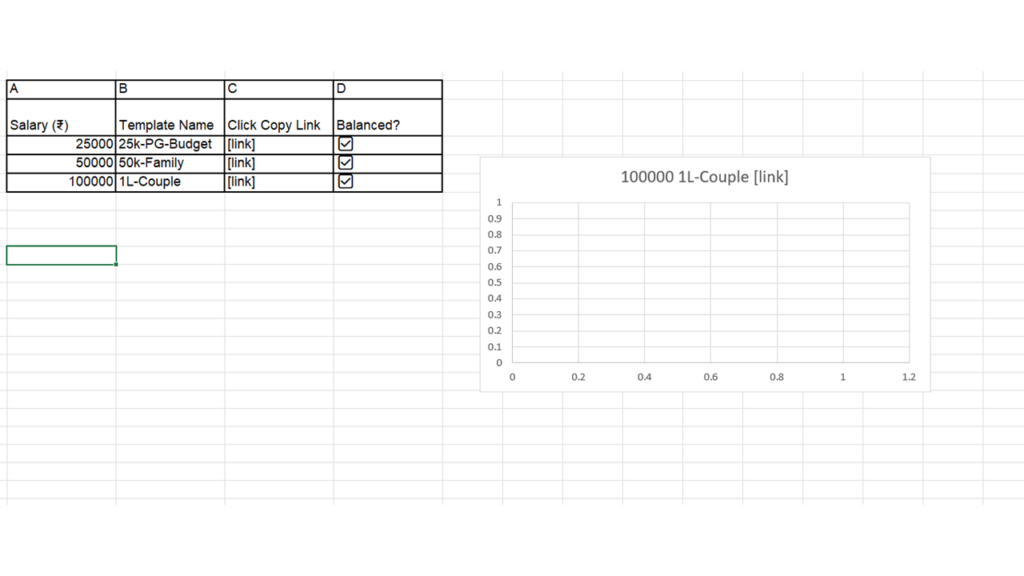
- Below: live Google Sheet → 3-click copy → plug salary → auto-balances 50-30-20 / 65-20-15.
- No e-mail wall—just copy and play.
Methodology
I built 5 zero-cost templates for ₹ 25k, ₹ 50k, and ₹1 lakh salaries using the 65-20-15 CFA rule.
Pre-built formulas: auto-split Basic, HRA, PF, food coupons → tax-optimized.
Shareable link: 3-click copy → no install, no e-mail.
Green cell = balanced budget → surplus ≥ 20%.
The live sheet includes PG budget, family budget, and couple budget—all tested on real salaries.
Copy → tweak salary → green = balanced.
👉 Make a copy & pick your template
Conclusion
Bottom line: zero-cost Google Sheets > Excel—shareable, auto-balancing, no install.
Rule of thumb: pick the template closest to your salary → green cell = balanced budget.
Action: open the sheet above, 3-click copy, plug your salary → green = balanced.
Grab the templates → copy → share with your PG mate/spouse today.