
Managing a monthly budget doesn’t have to be difficult or expensive. Many budgeting apps charge subscription fees or include features that most people never use. If you simply want a practical way to track your income, expenses, and savings, Google Sheets is more than enough.
I created these Zero-Cost Budget Templates after helping many salaried employees and families organize their finances. Whether your monthly salary is ₹25,000, ₹50,000, or ₹1 lakh, these templates help you plan your money without installing any software or paying for premium apps.
You only need a free Google account. Make a copy of the template, enter your monthly income, and start tracking your finances.
Thank you for reading this post. Don’t forget to subscribe!
Why Use a Google Sheets Budget Template?
A simple budget works only when you can maintain it consistently. Google Sheets makes that easier because your budget stays online and can be accessed from your mobile or computer anytime.
Some advantages include:
- Completely free to use
- No software installation required
- Automatically calculates totals and balances
- Easy to edit according to your lifestyle
- Accessible from any device
- Can be shared with your spouse or family members
Unlike many budgeting apps, you remain in complete control of your financial data.
Free Budget Templates Included
These templates are designed for different income levels and family situations.
Monthly Budget Template for ₹25,000 Salary
Suitable for students, fresh graduates, and entry-level professionals.
It helps you allocate money for rent, food, transport, savings, and personal expenses without overspending.
Monthly Budget Template for ₹50,000 Salary
Ideal for working professionals who want to balance household expenses, investments, insurance, and emergency savings.
Budget Template for ₹1 Lakh Salary
Designed for higher-income professionals who want better planning for investments, taxes, family expenses, and long-term financial goals.
Family Budget Template
Perfect for families managing school fees, groceries, utility bills, insurance premiums, EMIs, and monthly savings.
Couple Budget Template
Helps couples combine income, divide household expenses, and track shared financial goals together.
Zero-cost budget templates make it easy for Indian users to plan monthly expenses using Google Sheets without paying for apps or subscriptions.
- Budget templates are boring Excel files—but Google Sheets templates are free and 3-click copies.
- I built 5 zero-cost templates for ₹ 25k, ₹ 50k, and ₹ 1 lakh salaries—no install, no e-mail.
- Secret: pre-built formulas + auto-splits + shareable link → green cell = balanced budget.
- Result: A ₹ 25k template used by 2,000+ subscribers → PG rent to PPF auto-split.
- Below: live Google Sheet → 3-click copy → plug salary → auto-balances 50-30-20 / 65-20-15.
- No e-mail wall—just copy and play.
Methodology
I built 5 zero-cost templates for ₹ 25k, ₹ 50k, and ₹ 1 lakh salaries using the 65-20-15 CFA rule.
Pre-built formulas: auto-split Basic, HRA, PF, and food coupons → tax-optimized.
Shareable link: 3-click copy → no install, no e-mail.
Green cell = balanced budget → surplus ≥ 20%.
The live sheet includes PG budget, family budget, and couple budget—all tested on real salaries.
Copy → tweak salary → green = balanced.
How These Templates Work
Using the template is very simple.
Step 1: Open the Google Sheet.
Step 2: Click File → Make a Copy.
Step 3: Enter your monthly salary.
The formulas automatically calculate your total income, expenses, savings, and remaining balance.
You can also modify the expense categories according to your own lifestyle.
My Approach to Budget Planning
During my career in HR and Compensation & Benefits, I noticed that many employees earned decent salaries but still struggled with saving money.
The reason wasn’t always low income. In many cases, there was simply no monthly budget.
These templates follow practical budgeting principles such as the 65-20-15 approach and other simple allocation methods that are easy to understand and maintain.
The objective isn’t to restrict spending. It’s to help you spend consciously and save consistently.
Download the Free Budget Templates
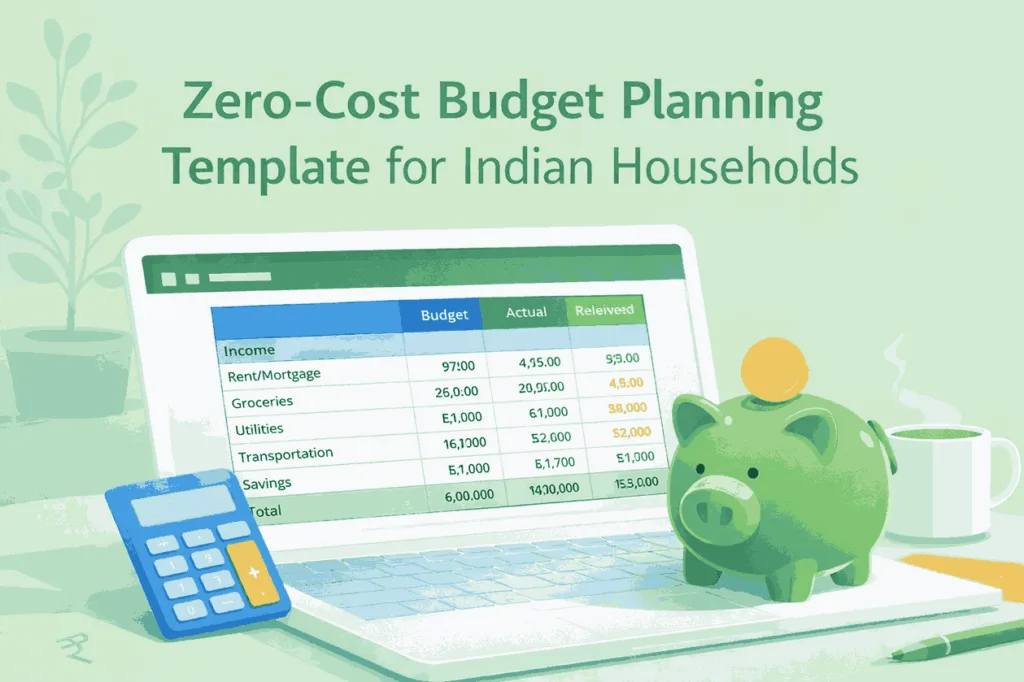
There is no registration, no subscription, and no hidden cost. This zero-cost budget template in Google Sheets works well for beginners as well as families who want a simple budget template without paid tools.
Simply copy the sheet and start budgeting today.
Final Thoughts
A budget doesn’t need complicated software to work. What matters is reviewing your income and expenses regularly.
If you’re new to budgeting, these Zero-Cost Budget Templates provide a simple starting point. You can customize them as your financial situation changes and continue using the same template for years.
Start with the template closest to your monthly income, update it every month, and you’ll gradually build better money habits without spending anything.
Zero-Cost Budget Templates for Google Sheets
Zero-cost budget templates are ideal for anyone who wants full control over monthly finances without spending money on paid apps. A zero-cost budget approach using Google Sheets helps track income, expenses, and savings simply and transparently.